Create your character
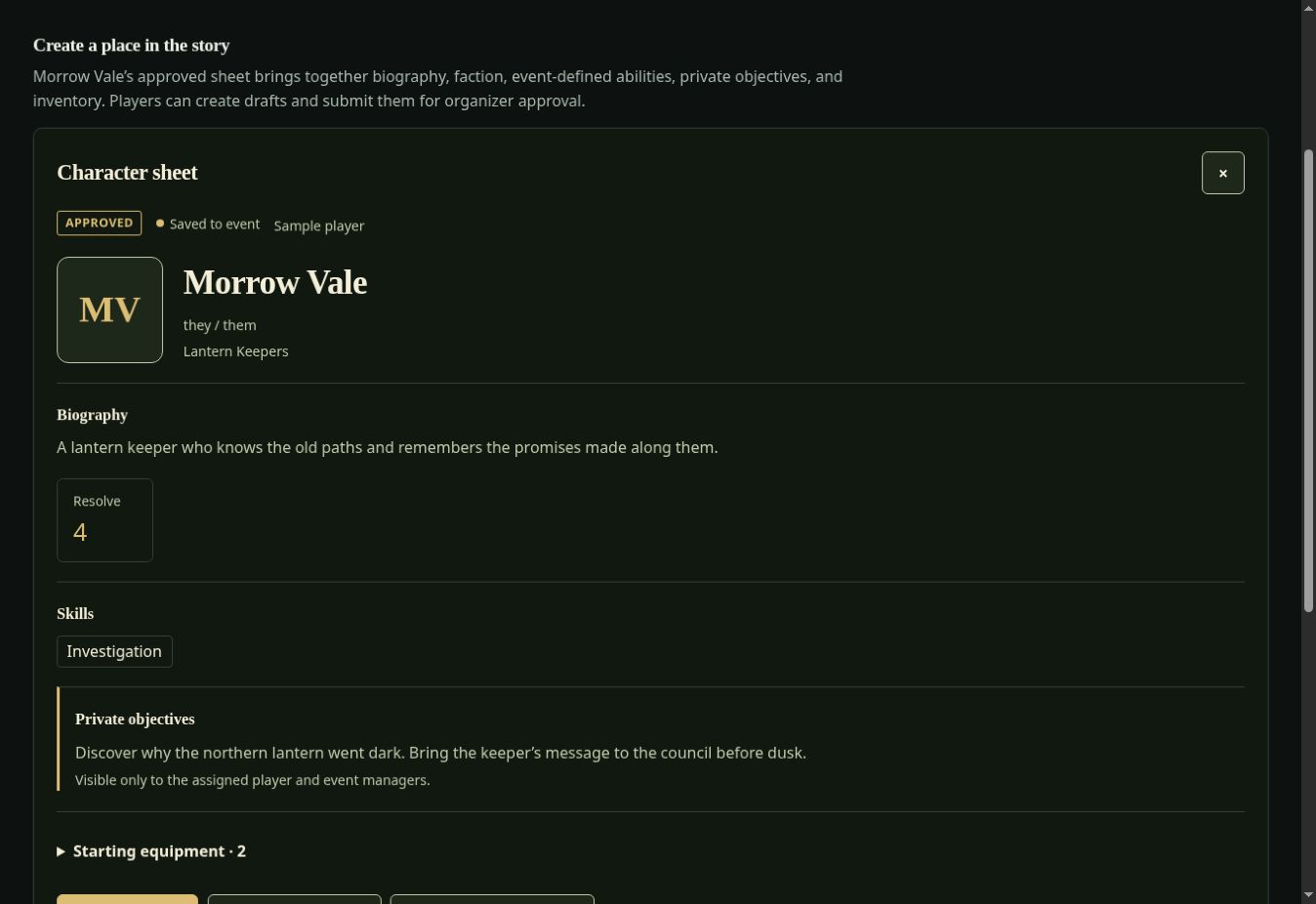
Write a biography, choose abilities and a faction, and keep private objectives alongside your equipment. Organizers can approve player-created sheets or assign prewritten characters.
Organizers can choose from fifteen new themed scenarios, author a complete experience in six steps, preview dependencies, and exchange versioned author-only JSON packs. Existing content is never silently overwritten. Physical-device and human field acceptance remain separate from deployment.
See the scenario library · See the builder · See the unrun field checklist
Inside the field kit Public tour / v1.2.0
ORACLE is a web app for live action roleplaying events. Organizers prepare a world; players carry character sheets, discover clues on physical props, and exchange information with one another.
Use it for a fantasy gathering, a cyberpunk mystery, or a wasteland expedition. Choose the instruments your story needs.
No account needed to explore this tour or its example screens.
01 / Meet the players
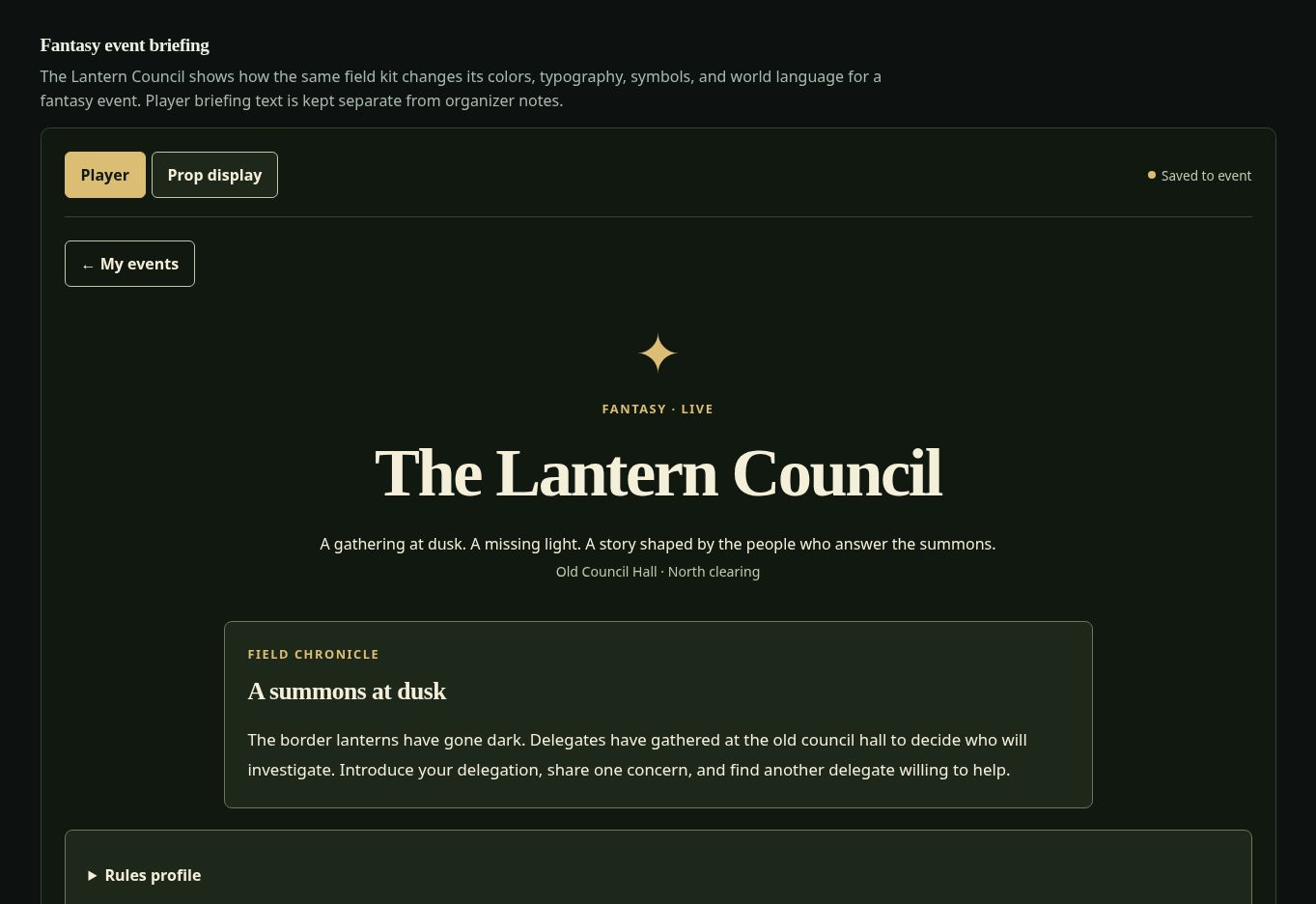
Meet Morrow Vale of the Lantern Keepers, a fictional character used throughout these examples. Imagine arriving at a gathering where a border lantern has gone dark and someone has left a clue.
Write a biography, choose abilities and a faction, and keep private objectives alongside your equipment. Organizers can approve player-created sheets or assign prewritten characters.
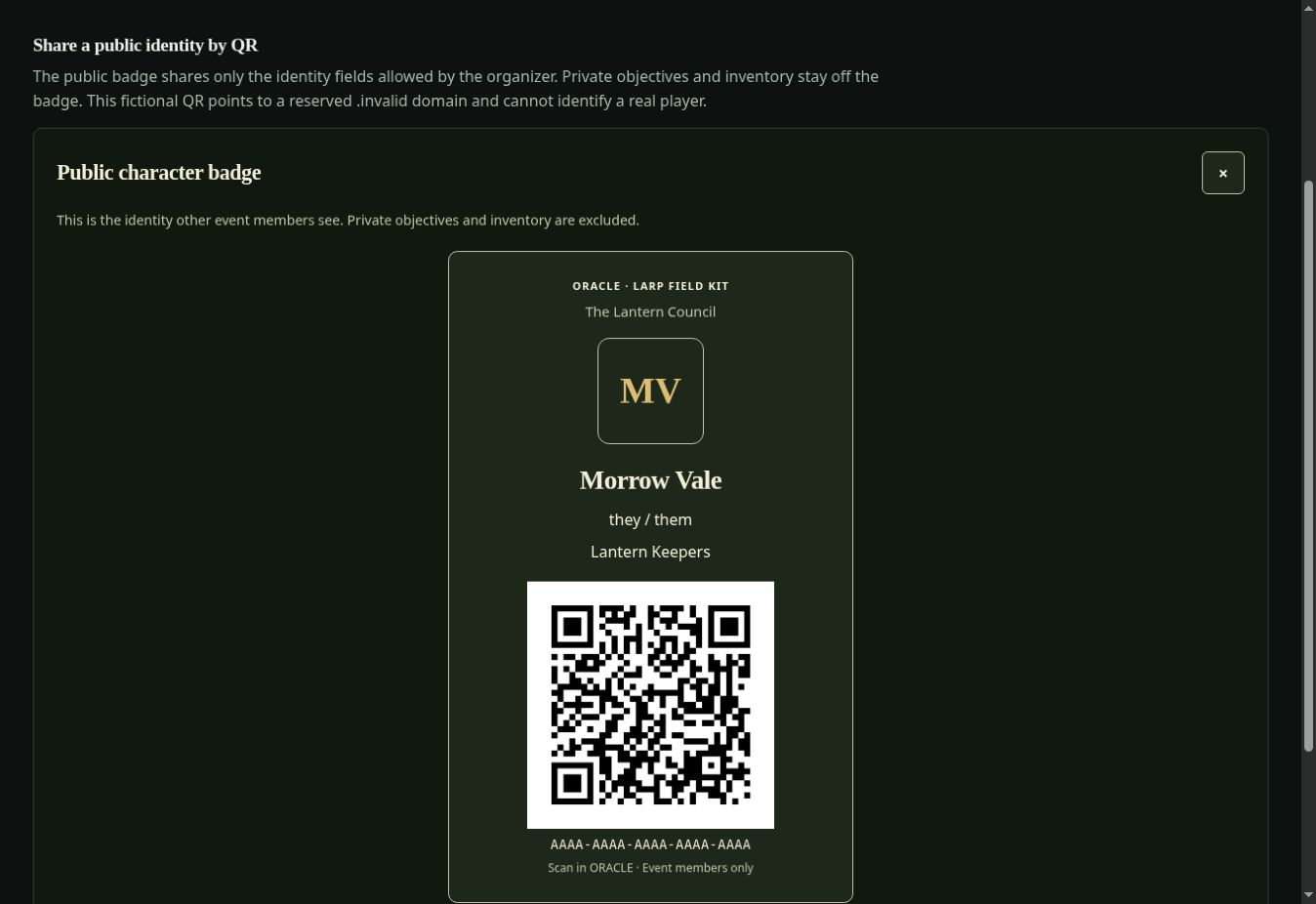
A character badge lets another event member look up the public identity the event permits. Your private objectives and full inventory stay separate. Camera scanning and manual code entry are available.
One player offers a discovered reading to another player. They join through a temporary QR or code, review the offer, and both confirm. Where enabled, the offer can include fictional resources and items. See the introduction and QR workspace.
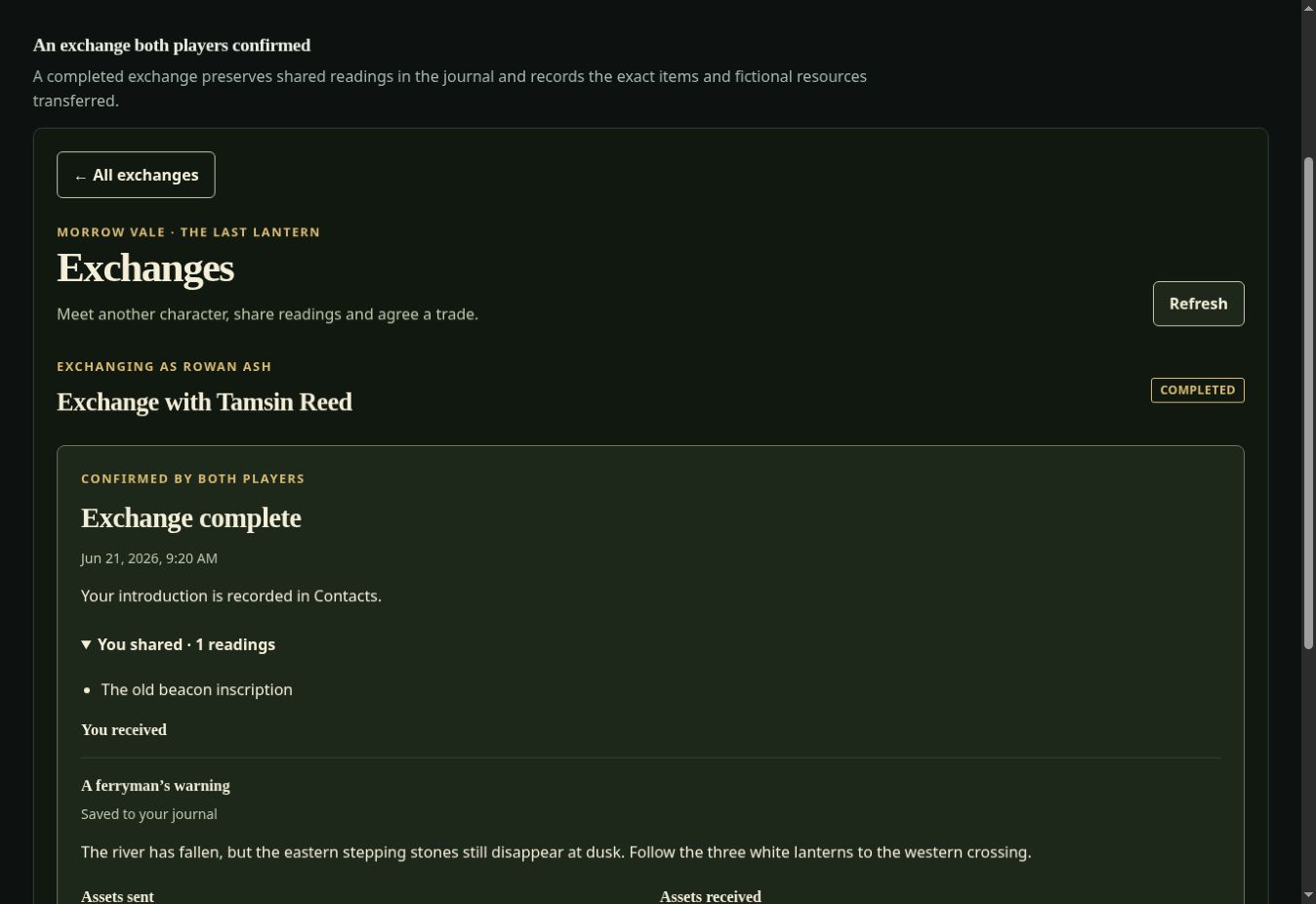
Sharing follows the event’s permissions. A received reading joins your journal; it does not automatically complete the other character’s discoveries or unlock their abilities.
02 / Choose your world
Themes change colors, type, and vocabulary while keeping the event’s rules and records intact. Start with a prepared adventure or author your own.
Fantasy
Try the complete starter The Last Lantern: recover a keeper’s instructions, restore the border light, and decide who will tend it.
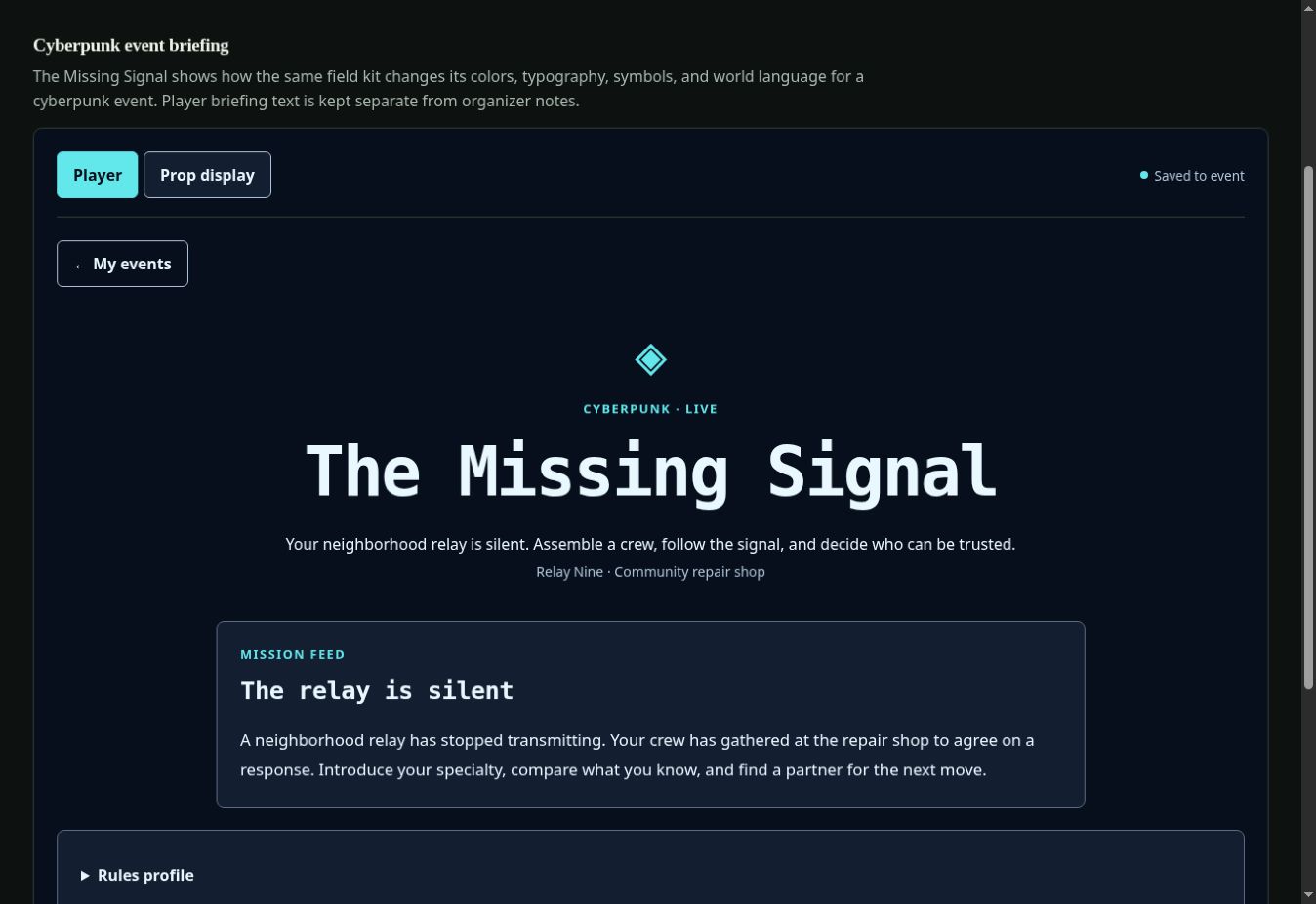
Cyberpunk
Try the complete starter The Last Neighborhood Signal: recover a technician’s message and bring a fictional community relay back online.
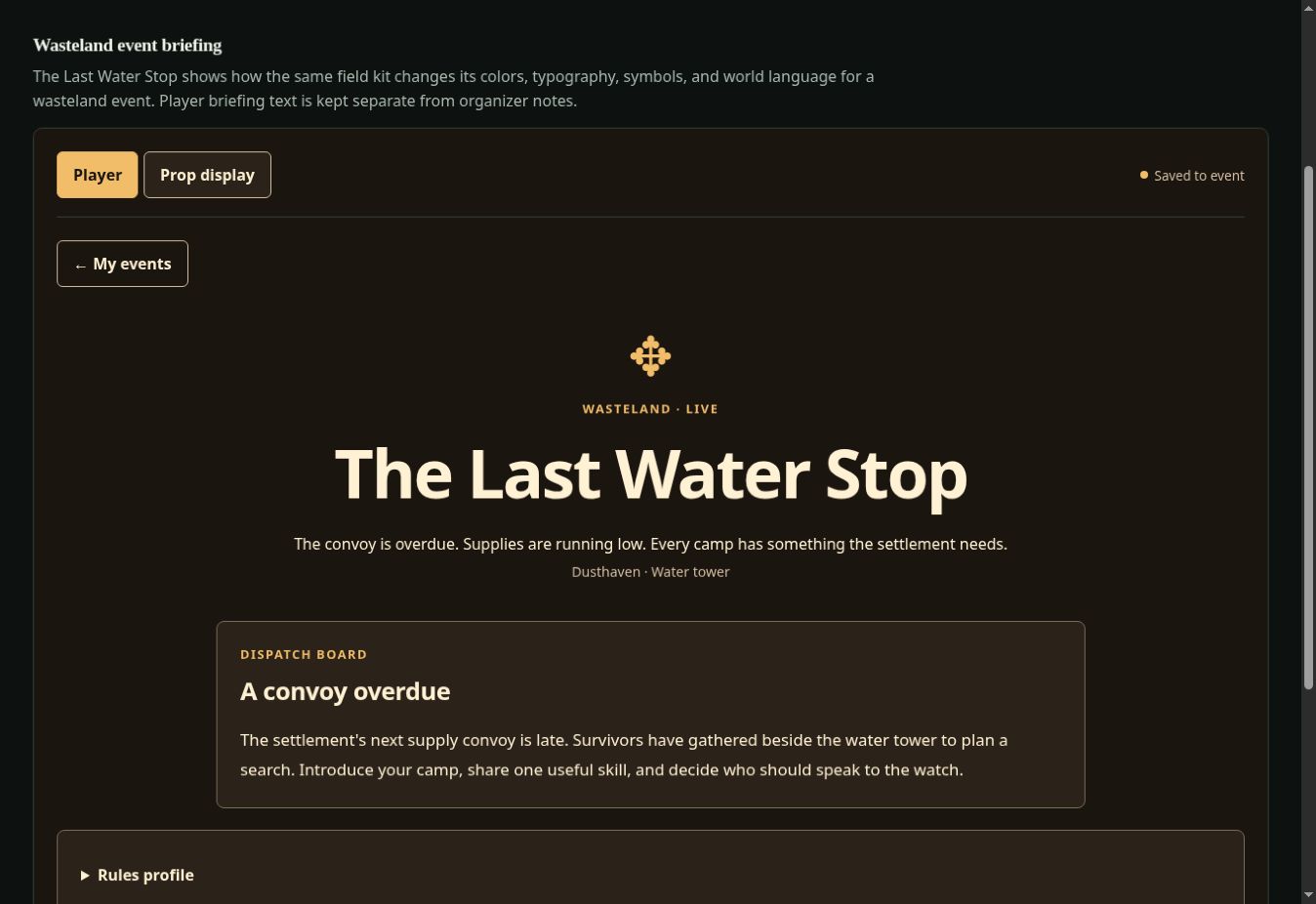
Wasteland
Try the complete starter The Last Water Beacon: recover a pump keeper’s note and organize the watch for an overdue fictional convoy.
Each complete starter is written for about 30 minutes and 2–6 players, with prewritten characters, clues, hints, and a playable alternative ending. The larger toolkit supports your own event designs.
03 / The instrument rack
Every instrument is optional. A first adventure can use a prop, a message, a puzzle, and a meeting place. Add rumors, agreements, shops, or managed encounters when the story calls for them.
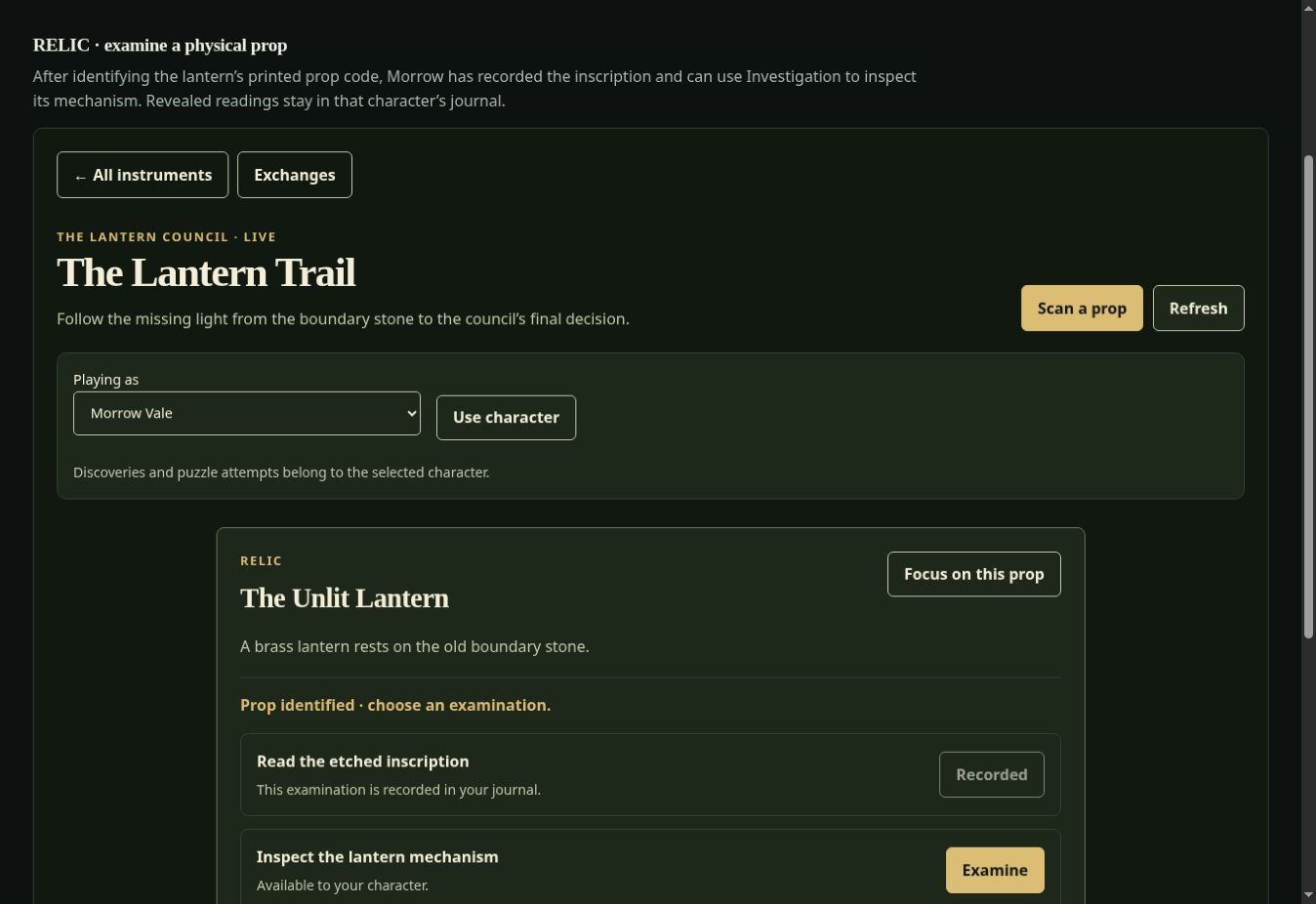
Examine an object
Scan the cold lantern core and choose an examination. Its markings enter your character’s journal; an investigation or repair skill can reveal a different perspective.
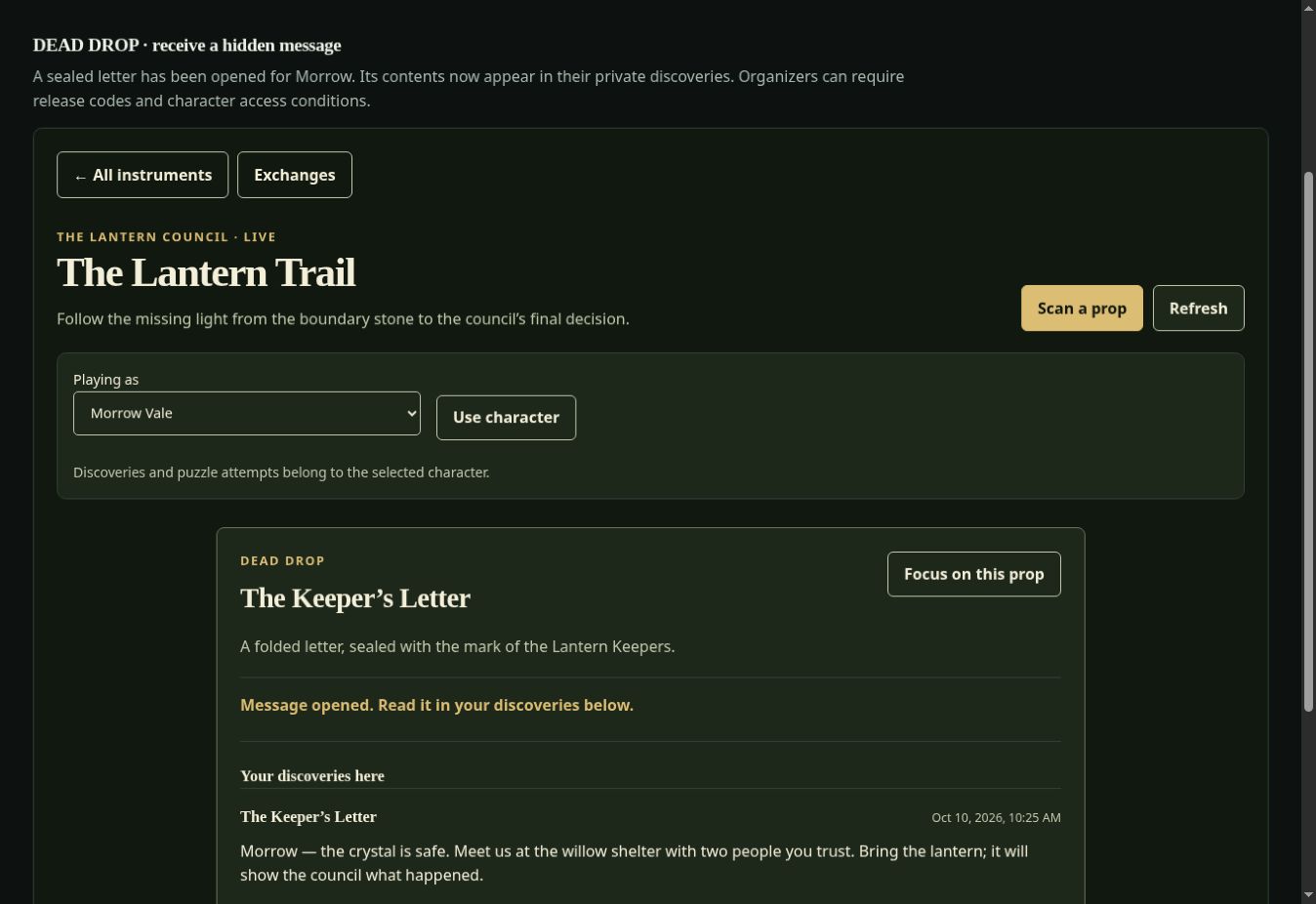
Recover a message
A keeper’s sealed letter becomes available after the first discovery. Find its prop code, supply a separate release word when required, and collect the message. Optional recordings include a transcript.
Put the clues together
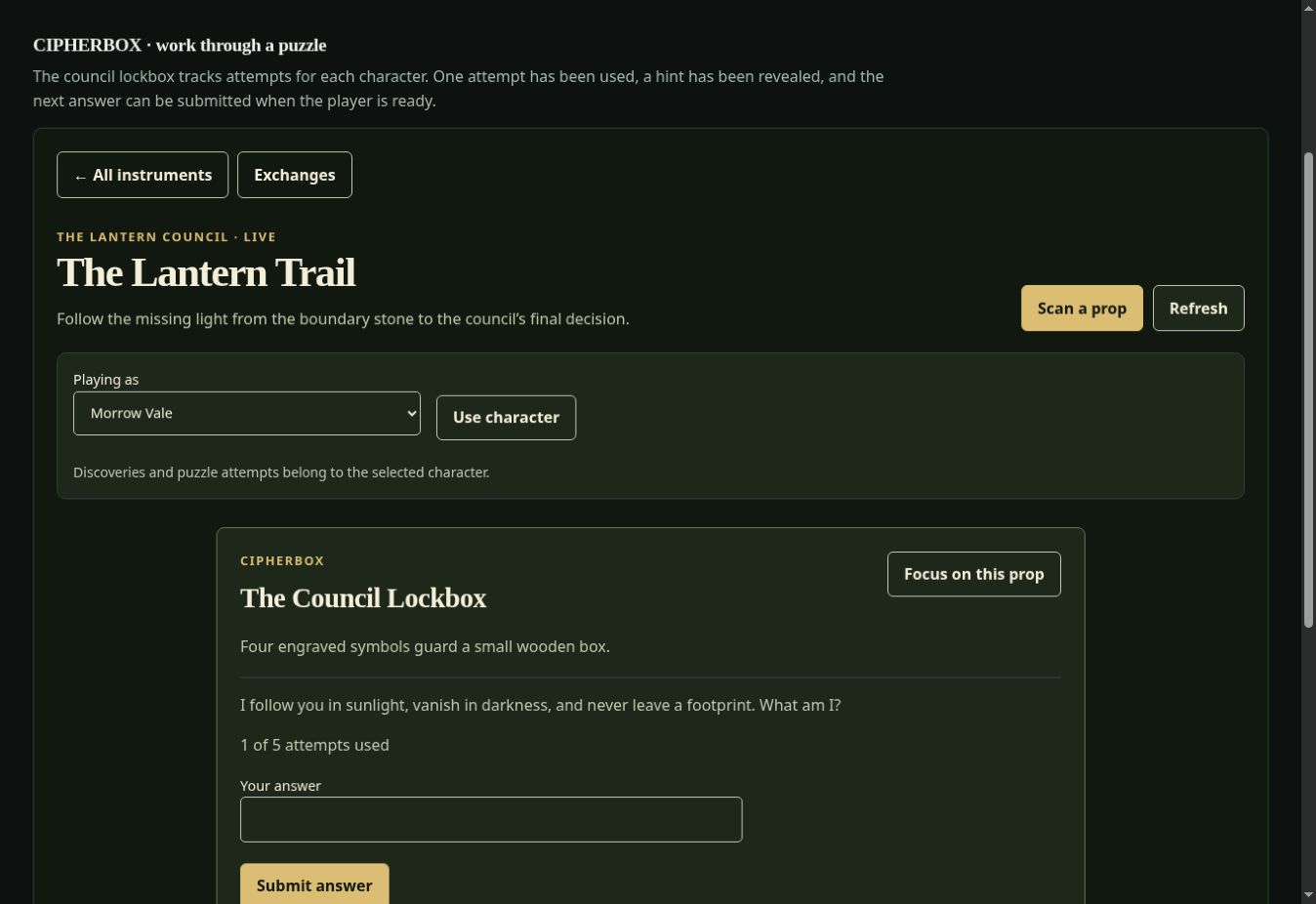
Put discovered clues together to work out a council lockbox’s answer. The organizer writes the answer, hints, attempt limit, and what happens when the attempts run out.
Meet for the next scene
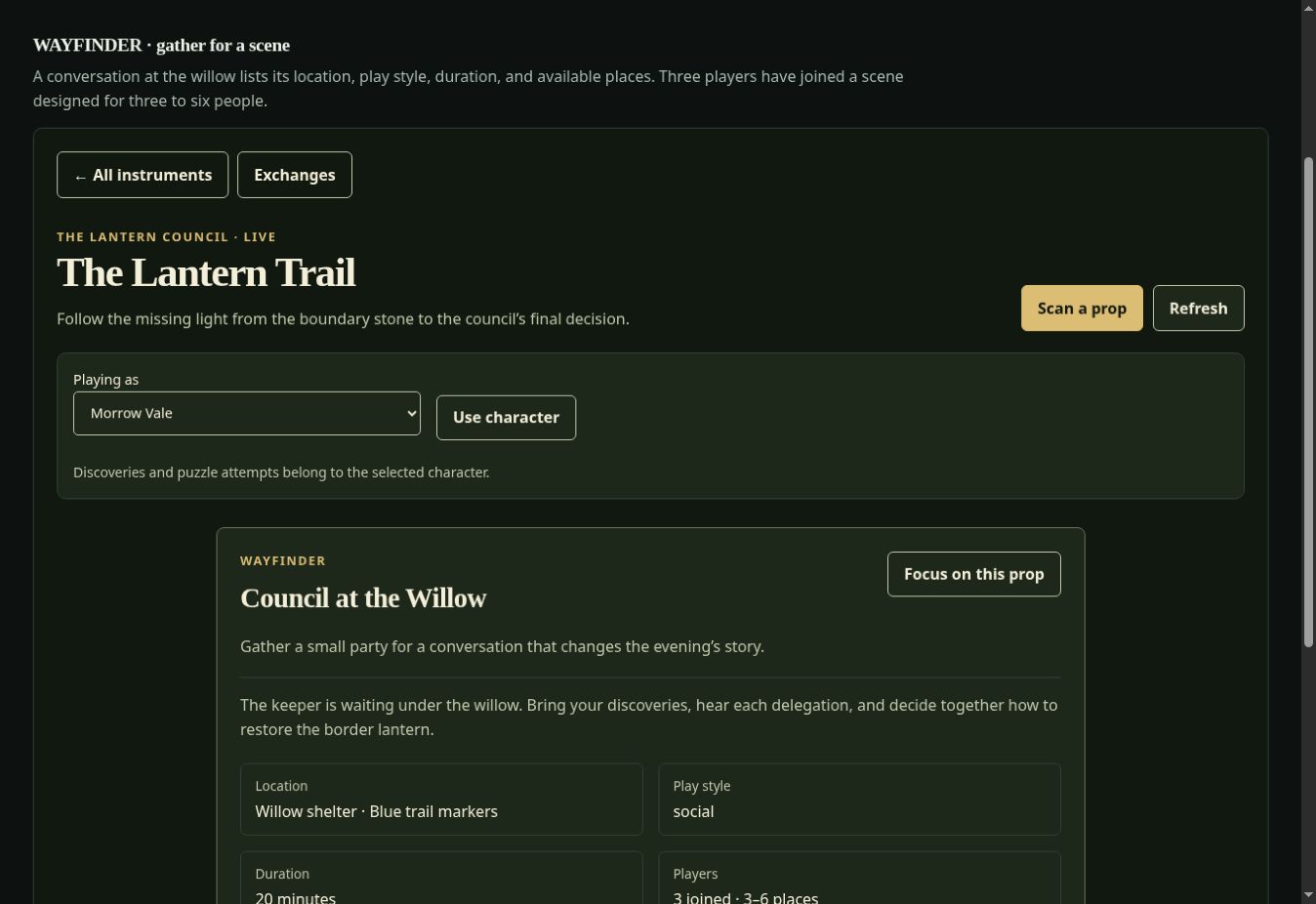
Join a conversation by the willow when your character is eligible and there is room. Read the meeting place, scene instructions, time window, and admission state, then play the gathering together in person.
Build an investigation
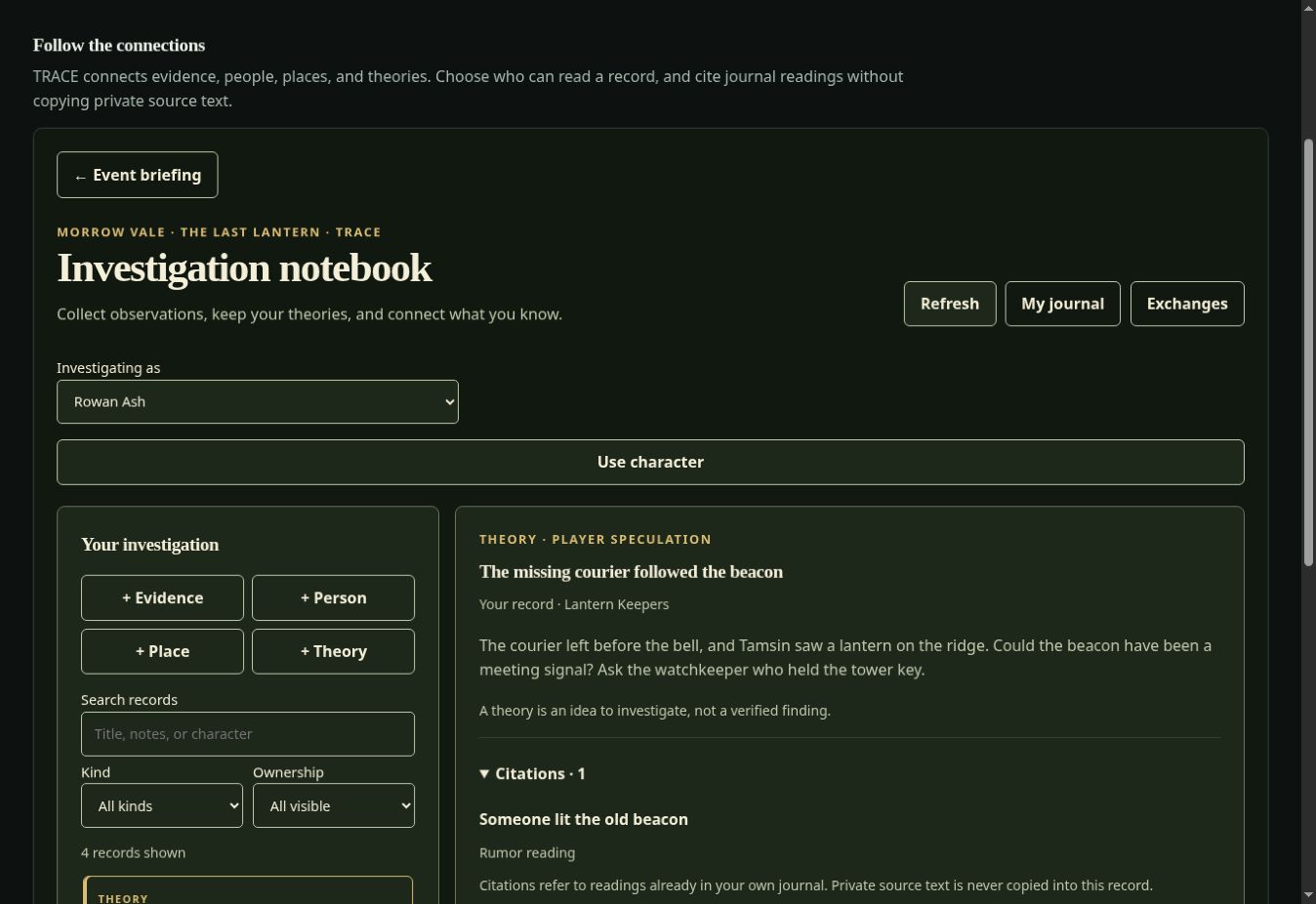
Connect a maker’s mark, a witness, and the old watchtower in a notebook of evidence, people, places, and theories. Cite permitted journal readings and choose which observations to share.
Stock up and trade
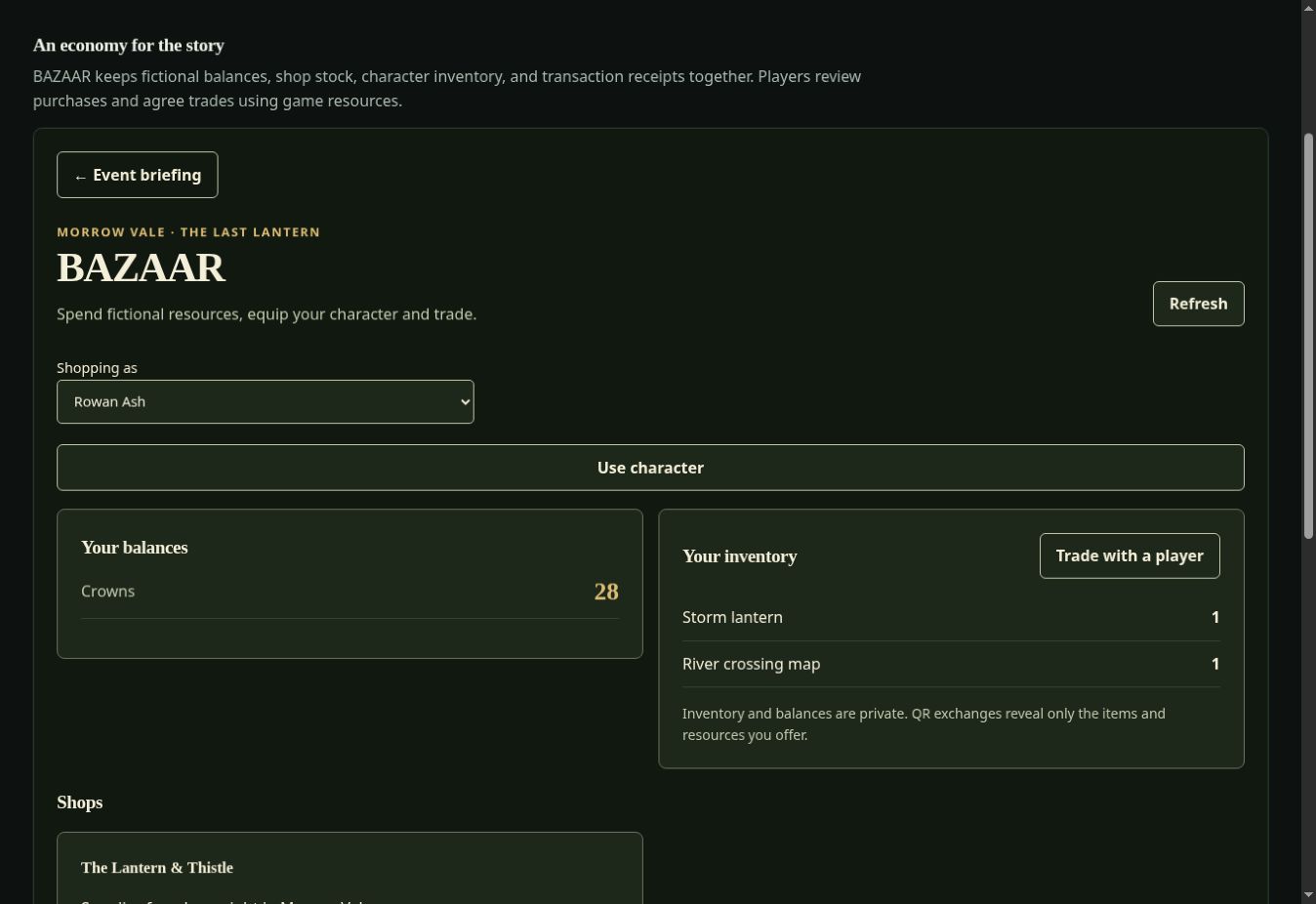
Spend organizer-granted fictional resources at a supply shop, or negotiate a player exchange. Stock, balances, inventory, and receipts update when the transaction completes.
Hear another account
A witness remembers movement near the watchtower. Your character collects the account available to them, including its source. Different characters can hear different tellings; a rumor remains unverified.
Keep the gathering informed
Propose a call for witnesses or read a published event announcement. Organizers review publication, issue corrections, and withdraw outdated notices.
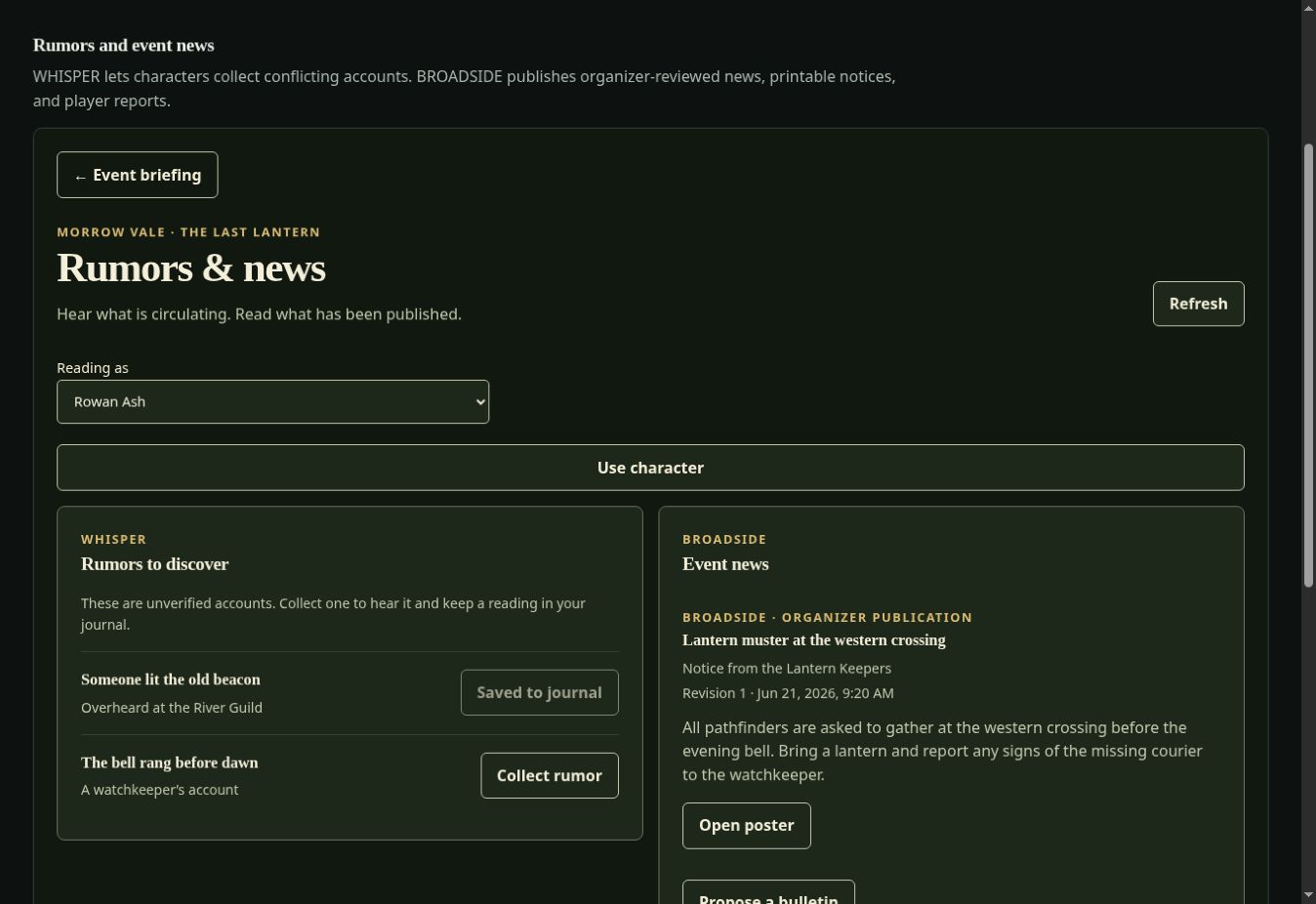
Make a promise explicit
Write down who takes the first lantern watch and who relieves them. Participants accept the exact terms, witnesses can record their role, and organizers can review a dispute.
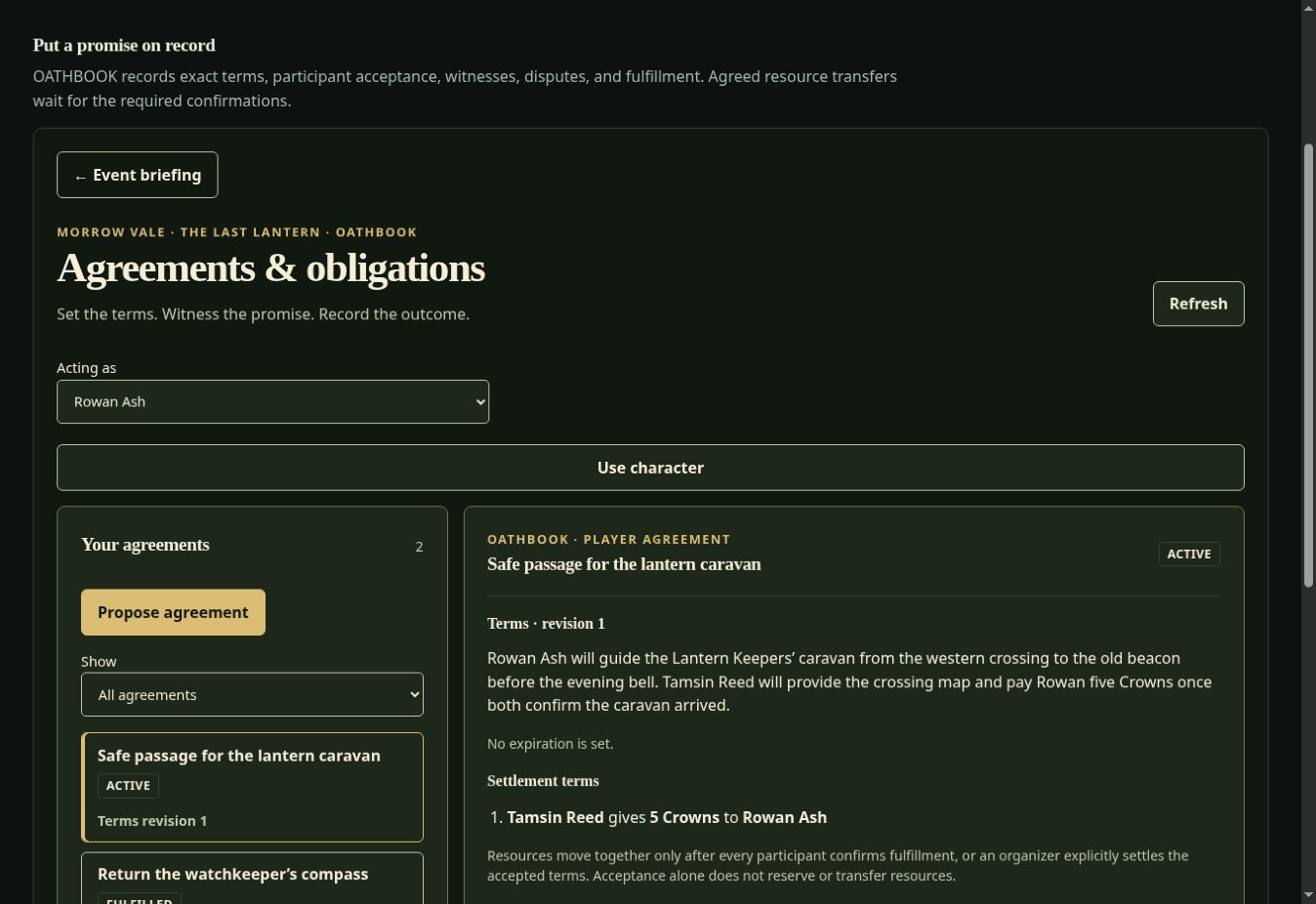
Work together around a prop
Gather around one host device for a cooperative challenge. Assign in-person roles, review the host character’s required components, and work through ordered checkpoints and timers.
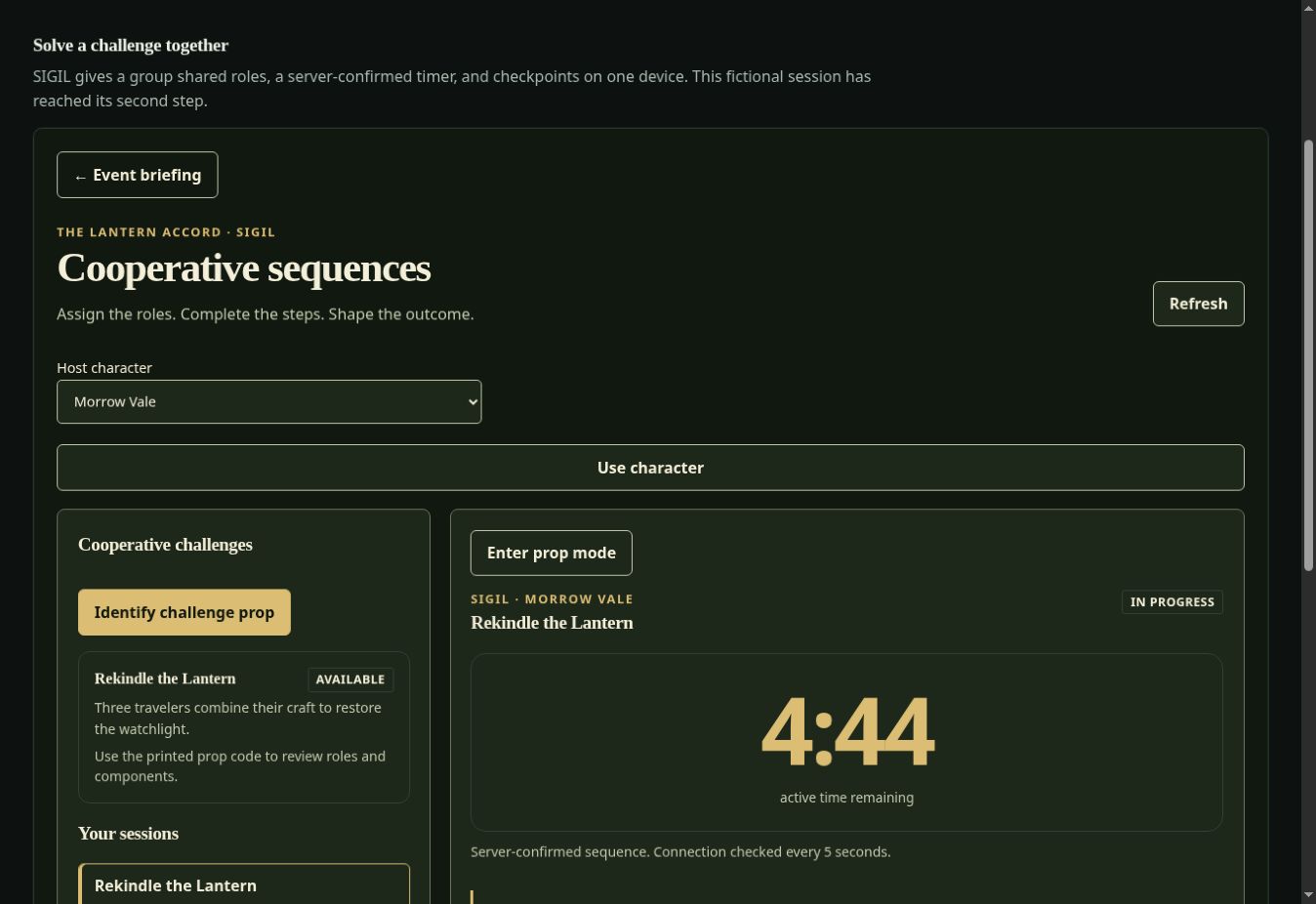
Read the fictional world
Check a prepared signal beside the lantern chamber. An organizer can author different readings for story conditions or explicitly select a state during play.
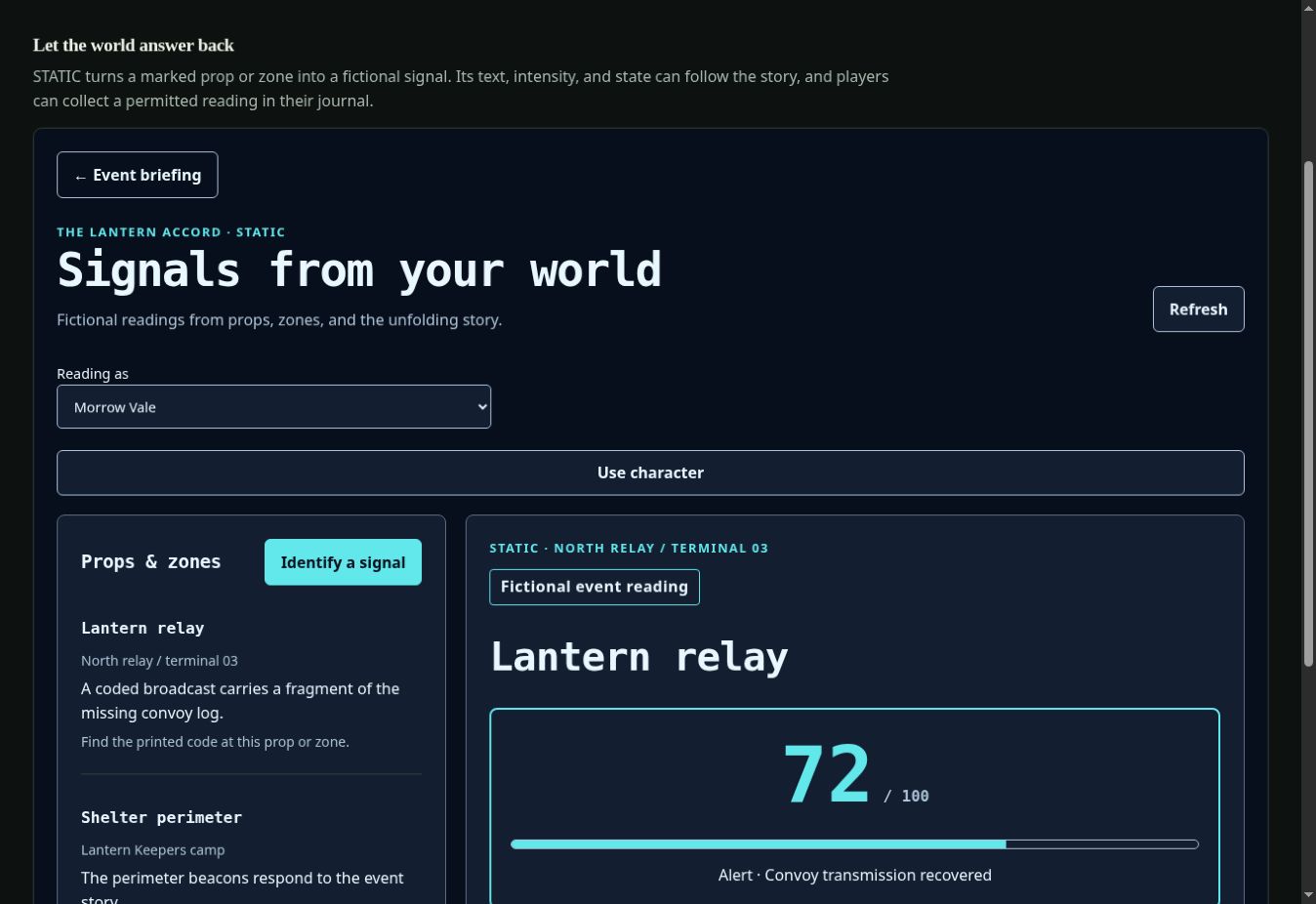
Keep encounters moving
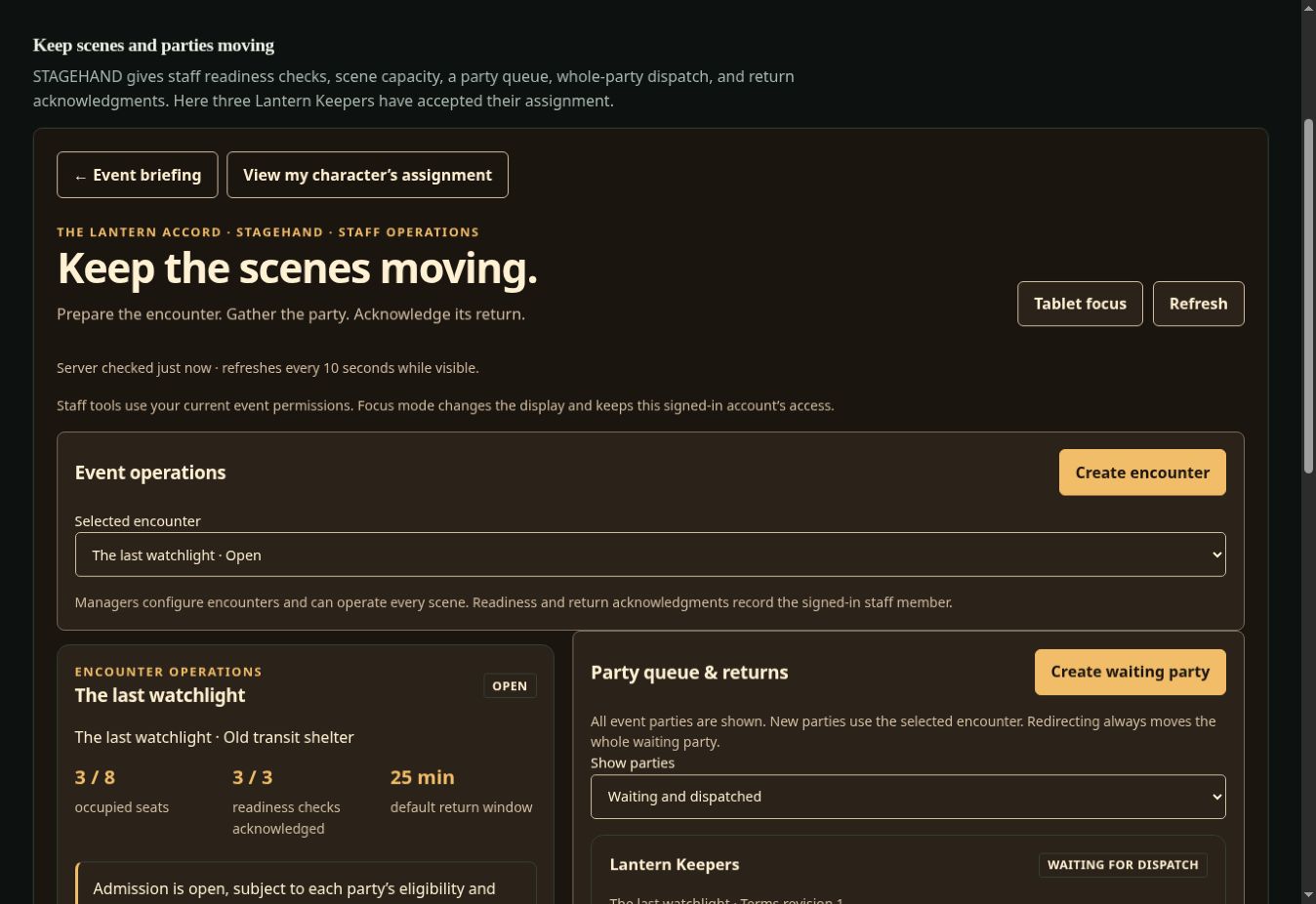
Staff prepare an encounter, confirm readiness, and dispatch a whole accepted party when capacity permits. Record the group’s return so the next party can enter. See the player’s assignment view.
04 / Behind the gathering
Start from a complete adventure or a blank event. Keep the player briefing and rules clear, and keep solutions and running notes in the organizer’s workspace.
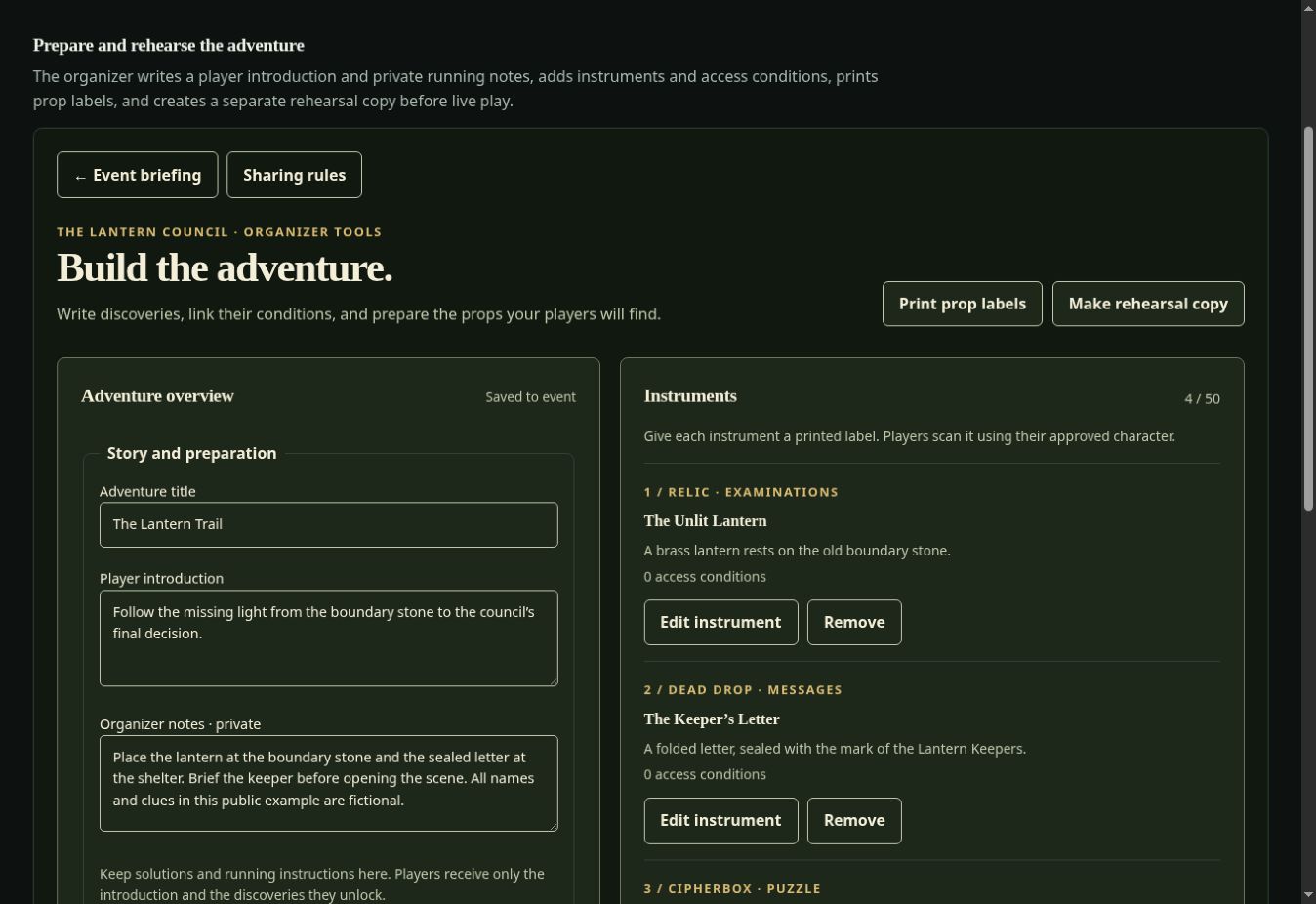
Choose a theme and instruments. Write the briefing, define character rules and factions, and author clues, encounters, and outcomes.
Create invitations, approve or assign characters, set sharing permissions, and assign staff to their encounters.
Print prop labels and prepare paper fallback aids. Make a dedicated rehearsal copy with fresh codes, assign its characters, then practice separately from the source event.
Move through Draft, Rehearsal, Live, and Paused states. End the event when play is complete, then archive it for permitted read-only history.
Players use their assigned characters and permitted readings. Organizers author material, approve characters, and review game operations. Staff operate the tasks they are allowed and the encounters assigned to them. Event owners control role changes and organizer invitations.
Private player notebooks and objectives follow their own access rules. A player preview helps an organizer inspect presentation; it does not change their account’s privileges.
Export a briefing pack to reuse event setup, rules, theme choices, and briefing material. A player-material export omits organizer-only briefing content. Import creates a separate Draft.
A briefing pack does not include a complete adventure, characters, discoveries, or played-event history. Use a dedicated rehearsal copy to practice a configured adventure. Reset applies only to that copy while it is in Rehearsal.
05 / Before you leave the signal
Open Field desk → Prepare for the field while connected. Check the saved time, app readiness, event readiness, and any material that needs attention before heading out.
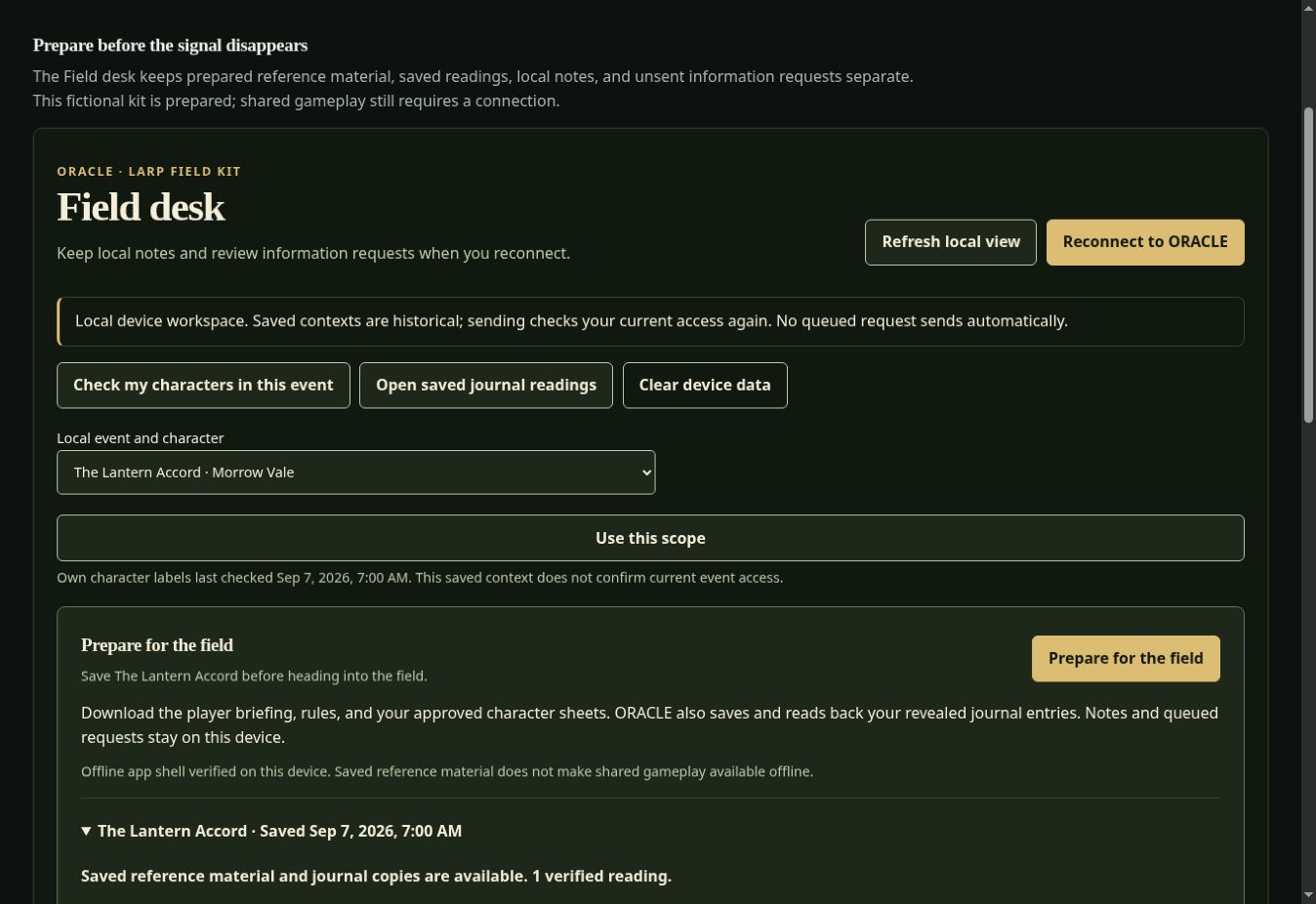
Read your saved briefing and rules, your own approved character sheets, and saved journal readings. Write and explicitly save local Field desk notes. Saved copies include their preparation time and can become out of date.
New discoveries, puzzle answers, trades and exchange confirmations, current balances, scene admission, timers, and staff actions use the live event. Plan venue connectivity around those parts of play.
Save supported information-exchange requests for later review. Nothing sends automatically: reconnect, check access and current terms, and explicitly send each request.
Install
Use the browser or install ORACLE when your device offers it. The install panel reports app-cache readiness and provides platform instructions and update controls.
Display
Choose Dark or Outdoor display, adjust text size, reduce motion, and collapse navigation. Prop display puts prepared material at the center of the screen.
Field habits
Test your own device and planned play area. Keep paper aids available. Saved private material belongs to this browser; sign out before handing the device to someone else.
Read the installation and offline guide for preparation, saved requests, updates, and shared-device behavior.
Your next step
The example screens and guides are public. To join a real game, create an account and enter your organizer’s invitation code. To run one, begin with a starter adventure.